 SwedPlay
 US Courtyard [iOS]
 Soccer Referee US Android (Fast Pay)
 CA Playtest Pro by BestPlay [iOS]
 Fetch Rewards - US
 Playtest Pro by BestPlay iOS CA CPE
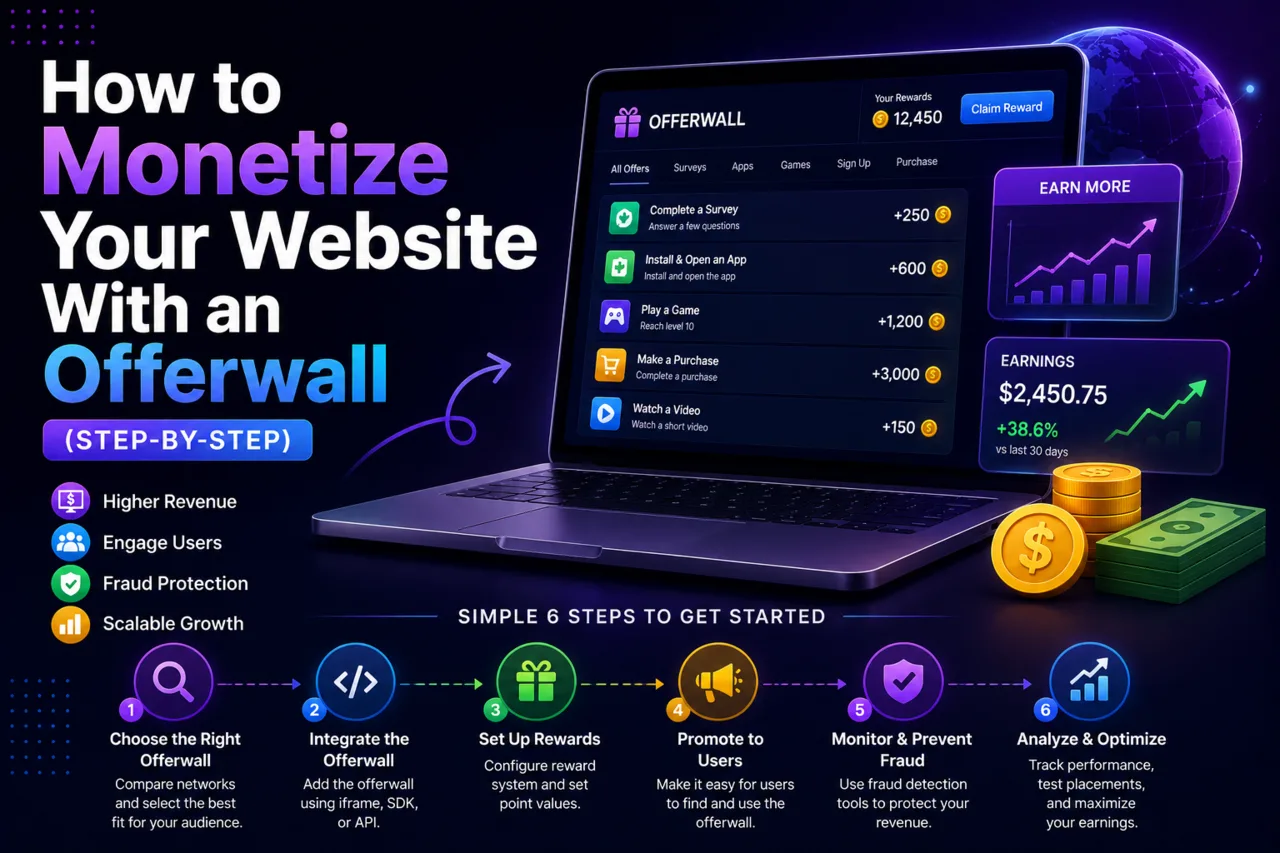
WordPress powers a huge share of reward sites, membership communities and gaming blogs — and all of them can earn from an offerwall. This guide shows two ways to add an offerwall to a WordPress site: a simple iframe embed that works in minutes, and an API-based setup that credits points automatically to logged-in members.
What you need before you start
- A WordPress site with user registration enabled (members must be logged in so each conversion can be credited to the right person).
- An approved publisher account — apply at AdswedMedia and add your site.
- HTTPS on your domain. Offerwalls load inside an iframe and browsers block mixed content.
- Optional: a points plugin such as myCred or GamiPress if you want balances, leaderboards and cashout requests inside WordPress.
Method 1: embed the offerwall with a shortcode (easiest)
The offerwall URL from your publisher dashboard contains your site key and a placeholder for the member ID. Register a small shortcode in your theme's functions.php or a code-snippets plugin, then place [awm_offerwall] on any page:
add_shortcode('awm_offerwall', function () {
    if (!is_user_logged_in()) {
        return '<p>Please log in to see available offers.</p>';
    }
    $uid = get_current_user_id();
    $url = 'https://adswedmedia.com/offer/YOUR_SITE_KEY/' . $uid; // copy the exact URL from your dashboard
    return '<iframe src="' . esc_url($url) . '" width="100%" height="900" style="border:0" loading="lazy"></iframe>';
});
Replace YOUR_SITE_KEY with the key shown in your dashboard. The WordPress user ID is passed as the member identifier, so every completed offer reaches your site with that ID.
Method 2: credit points automatically with a postback
Embedding the wall shows offers, but the member still needs to be rewarded. That is what the postback URL does: when a conversion is approved, the network calls your endpoint with the user ID, amount and a unique transaction ID. In WordPress the cleanest option is a custom REST route:
add_action('rest_api_init', function () {
    register_rest_route('awm/v1', '/postback', [
        'methods'  => 'GET',
        'callback' => function (WP_REST_Request $r) {
            if ($r['secret'] !== 'YOUR_POSTBACK_SECRET') return new WP_Error('forbidden', 'bad secret', ['status' => 403]);
            $tx = sanitize_text_field($r['transaction_id']);
            if (get_option('awm_tx_' . $tx)) return 'duplicate';           // idempotency
            add_option('awm_tx_' . $tx, 1);
            $uid = (int) $r['user_id']; $amount = (float) $r['amount'];
            if (function_exists('mycred_add')) mycred_add('offerwall', $uid, $amount, 'Offerwall reward');
            return 'ok';
        },
        'permission_callback' => '__return_true',
    ]);
});
Set the postback URL in your publisher dashboard to https://yoursite.com/wp-json/awm/v1/postback?user_id={user_id}&amount={amount}&transaction_id={transaction_id}&secret=YOUR_POSTBACK_SECRET using the macro names shown in your dashboard. Store the transaction ID so a retried postback never credits twice, and handle reversal postbacks by deducting the same amount.
Method 3: build your own offer list with the Offers API
If you want offers rendered in your theme (cards, filters, featured offers) instead of an iframe, pull them from the Offers API and output your own HTML. Each offer comes with a tracking link that already includes your site and the member ID. See building a rewards site with the Offers API for the full flow.
WordPress-specific tips
| Issue | Fix |
|---|---|
| Page cache serves the wall with the wrong user ID | Exclude the offerwall page from caching (WP Rocket, LiteSpeed Cache, Cloudflare page rules). |
| Iframe is cut off on mobile | Use a responsive wrapper or set a taller height on small screens with CSS. |
| Postback returns 404 | Permalinks must be enabled (Settings > Permalinks) for REST routes to resolve. |
| Security plugin blocks the postback | Whitelist the postback route or the network's IPs in Wordfence or your firewall. |
Once the wall is live, follow the placement and reward design best practices to raise conversions. Get your site key and start earning.
Frequently asked questions
Can I add an offerwall to WordPress without a plugin?
Yes. A short shortcode that prints the offerwall iframe with the logged-in user ID is enough to show offers. A postback endpoint (a few lines in functions.php or a snippets plugin) is needed to credit rewards automatically.
Do my members need an account?
Yes. Each conversion is tied to a member ID so the reward can be credited to the right person. Visitors who are not logged in should see a login prompt instead of the wall.
Which points plugin works with an offerwall?
Any plugin with a function to add points programmatically works, including myCred and GamiPress. Your postback handler calls that function with the user ID and amount from the conversion.
Will caching plugins break the offerwall?
They can, because the iframe URL contains the member ID. Exclude the offerwall page from page caching so every member sees their own wall.