 WeScount IT Android (Fast Pay)
 SwedPlay
 Try the $1 Trial for Smart Credit.
 Multigeo War Thunder 2023 [WEB]
 Follow Hollywood Hills on X
 [Easy] TaskPrize – Sign Up & Earn Real...
 Mahjong Serenity [US]
 Adswedmedia Discord
 Audible
 Risky Roller CPE US iOS
 Follow Adswedmedia
 Go2bank US CPE
 Clumsy Arrow CPE US Android
 CA Playtest Pro by BestPlay [iOS]
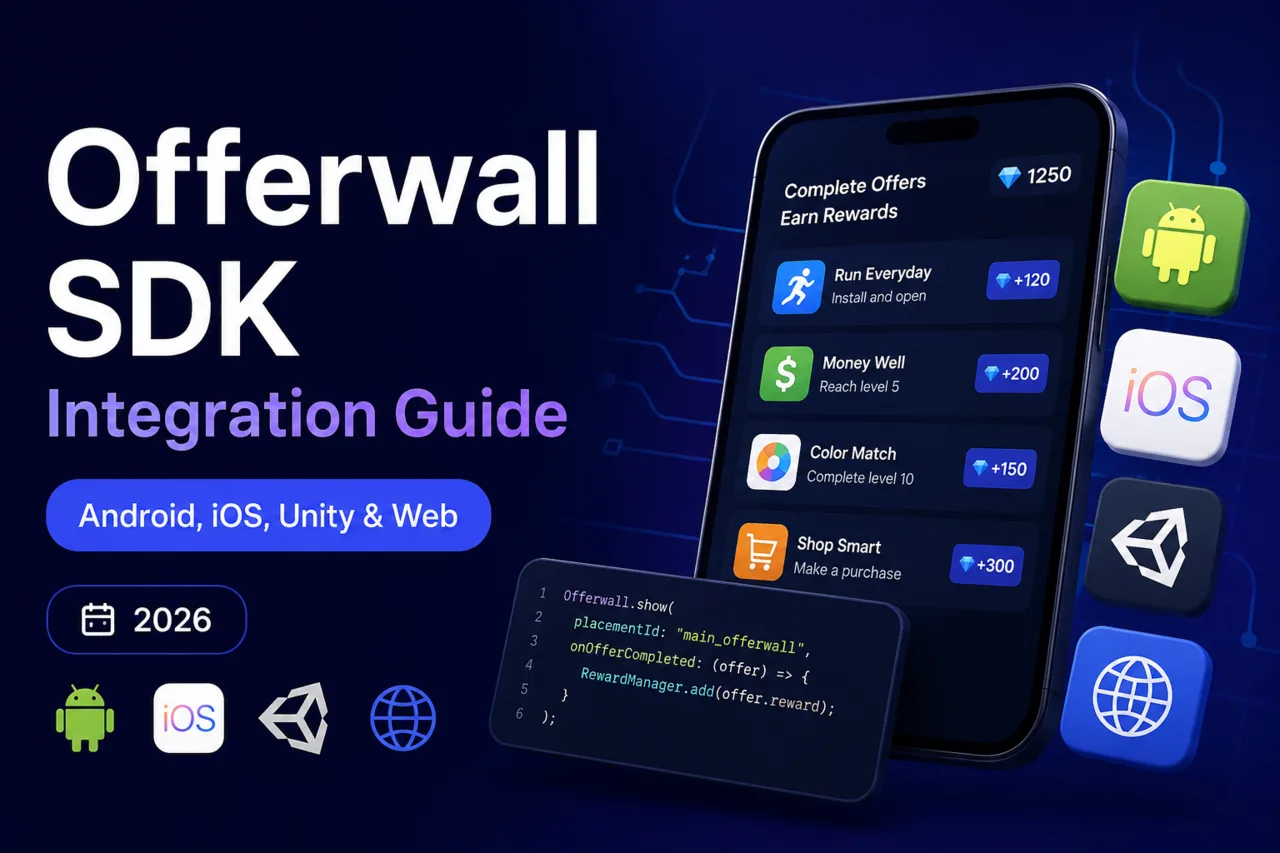
Integrating an offerwall SDK is the fastest way to add a rewarded revenue stream to your app, game, or website. This guide walks through the full integration flow — from placement setup and rendering the wall, to the server-to-server postback that credits your users — for Android, iOS, Unity and the web.
What you need before you start
An offerwall integration has three moving parts. Get these ready first and the rest takes minutes:
- A publisher account and placement. Create your account and add a site or app to get a unique placement ID and API key. You can apply as a publisher here.
- A user identifier. Every request must carry a stable
user_id(or sub-ID) so rewards land in the right account. - A postback endpoint. A server URL that receives conversion callbacks and credits the user. We cover this in detail in our S2S postback guide.
The integration methods compared
There are three ways to embed an offerwall. Pick based on your platform and how much control you need over the UI.
| Method | Best for | Effort | UI control |
|---|---|---|---|
| Iframe / URL | Websites, web games, GPT sites | Lowest | Hosted UI |
| Native SDK | Android, iOS, Unity apps | Low | Hosted UI, native launch |
| Offers API | Custom-built reward stores | Highest | Full — you render everything |
Web / iframe integration
The simplest method. You build the offerwall URL with your placement ID and the user identifier, then load it in an iframe or open it in a new tab:
https://adswedmedia.com/offerwall?placement=YOUR_ID&user_id=USER_123&country={country}Pass a real, stable user_id — never a session token that changes on every load, or conversions will be credited to the wrong user. Everything else (offer list, rewards, redirects) is handled by the hosted wall.
Android integration
Add the SDK dependency, initialize it once with your key, then launch the wall from any button:
- Add the SDK to your
build.gradleand sync. - Initialize in your
Applicationclass with your placement ID. - Call the
show()method with the user's ID when they tap "Earn rewards".
The SDK opens the wall in a secure web view and returns control to your app when the user closes it. Rewards are not granted client-side — they arrive via postback, which prevents tampering.
iOS and Unity
The flow is identical: install the package (Swift Package Manager / CocoaPods for iOS, the Unity package for games), initialize with your key, and call show(userId:). In Unity you typically wire the call to a UI button and handle the "wall closed" callback to refresh the player's balance from your server. Full platform snippets live in the developer documentation and integration page.
Wiring the postback (the important part)
When a user completes an offer, our servers call your postback URL with macros you define — typically the user ID, transaction ID and payout. Your endpoint validates the request, credits the user their reward, and returns 200 OK. Because this happens server-to-server, rewards can't be spoofed from the device. If you skip validation you open the door to fraud — see offerwall fraud prevention.
Testing your integration
- Use a test offer (or the sandbox) to fire a real completion end-to-end.
- Confirm the postback hits your server and the reward is credited exactly once.
- Check idempotency: a duplicate postback for the same transaction ID must not double-credit.
- Verify the wall renders and fills offers in your target countries.
Frequently asked questions
Do I need an SDK, or is the iframe enough?
For websites and web games the iframe is enough and easiest. Use the native SDK for Android, iOS and Unity apps because it handles the secure web view, lifecycle and reward refresh for you.
Where are rewards granted — on the device or the server?
On your server, via the S2S postback. Never grant rewards client-side; a modified app could fake completions.
What user_id should I send?
A stable, unique identifier for the logged-in user (your internal ID works well). Avoid session tokens or values that change between loads.
How long does integration take?
An iframe integration can be live in under an hour. A native SDK plus a tested postback typically takes an afternoon.
Ready to integrate? Create your publisher account, grab your placement ID and API key, and follow the documentation to go live.